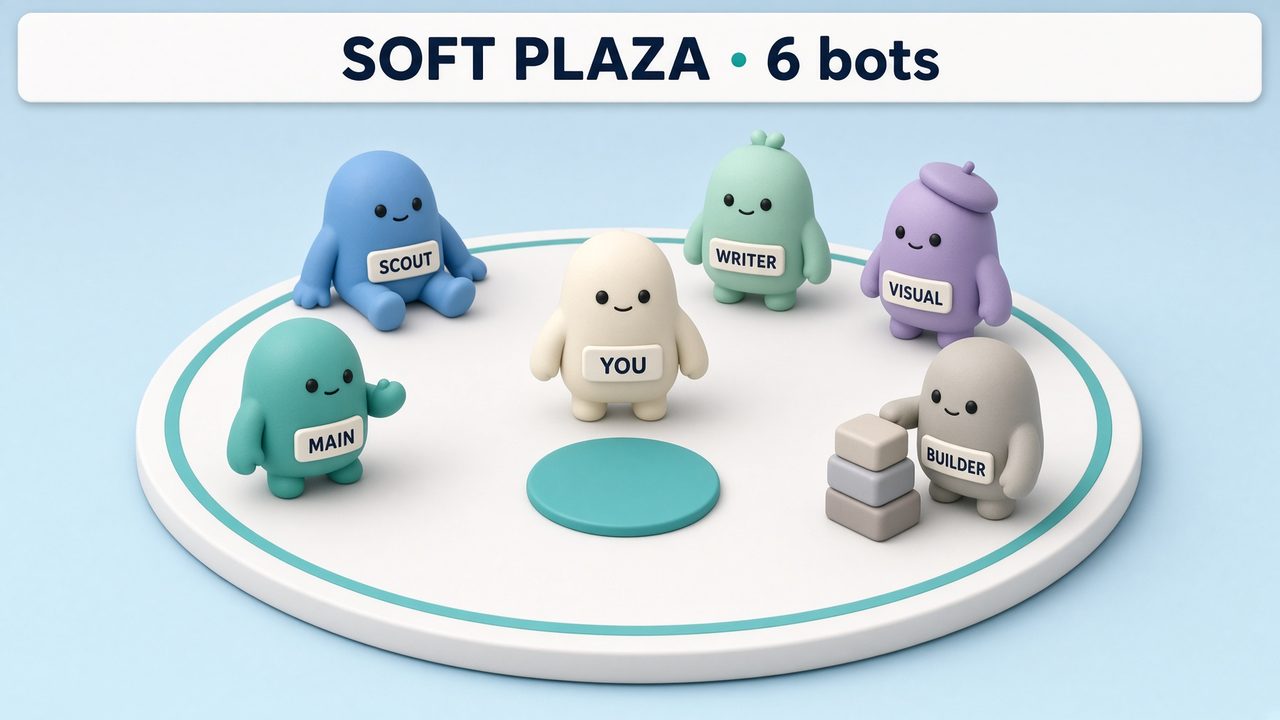
Featured look
Soft plaza — rounded figures
Rounded figures on a pale plaza. They walk, work, and sit. Built from the live roster.
Open Soft plaza · June Hart
Bot meshes
Pick a look. Send it to the main bot. It draws your live roster — who is drafting, who handed work, who is waiting on you. The picture below is a preview. Your bots write the real one.
What a visualization does, and how to set one up · Share a visualization
Featured look
Rounded figures on a pale plaza. They walk, work, and sit. Built from the live roster.
Open Soft plaza · June Hart
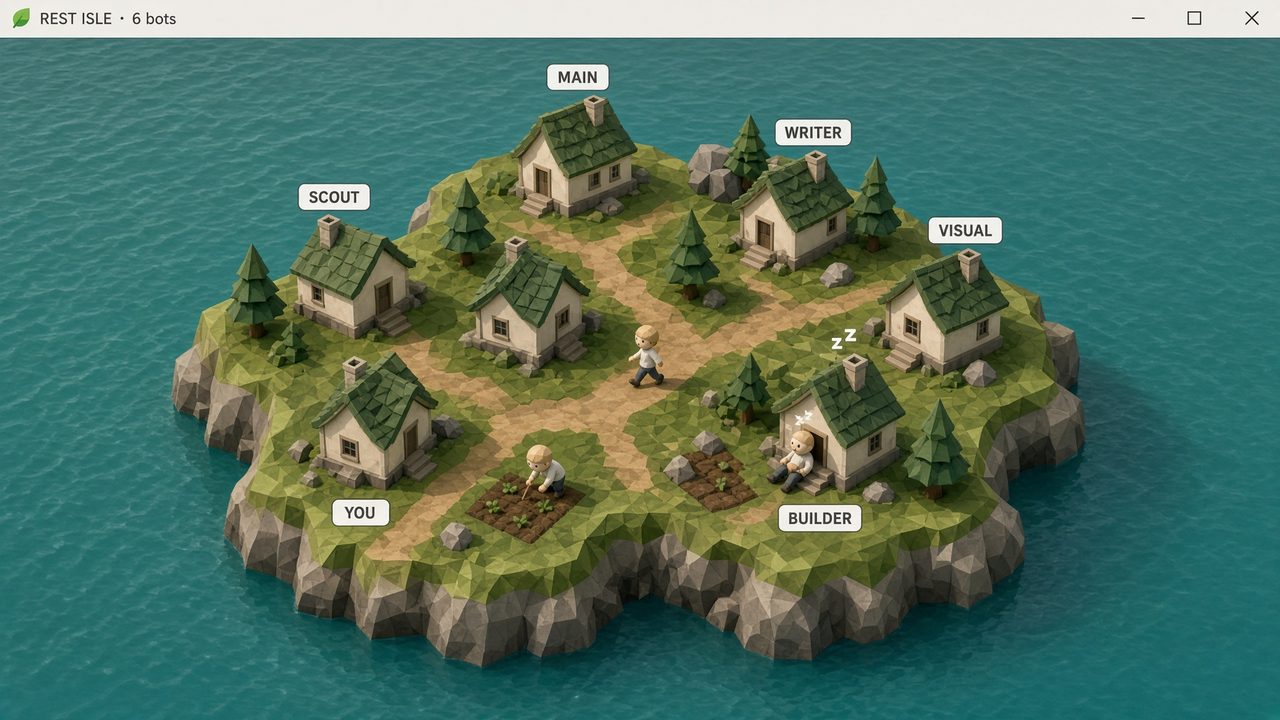
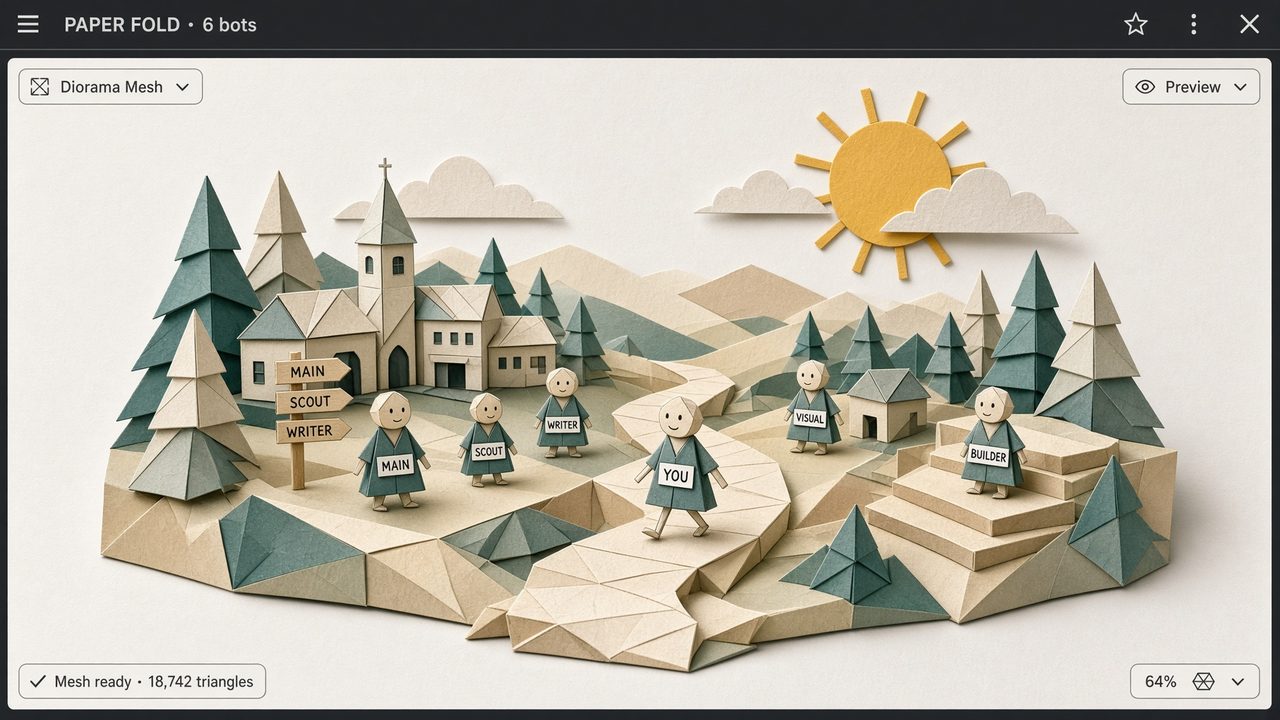
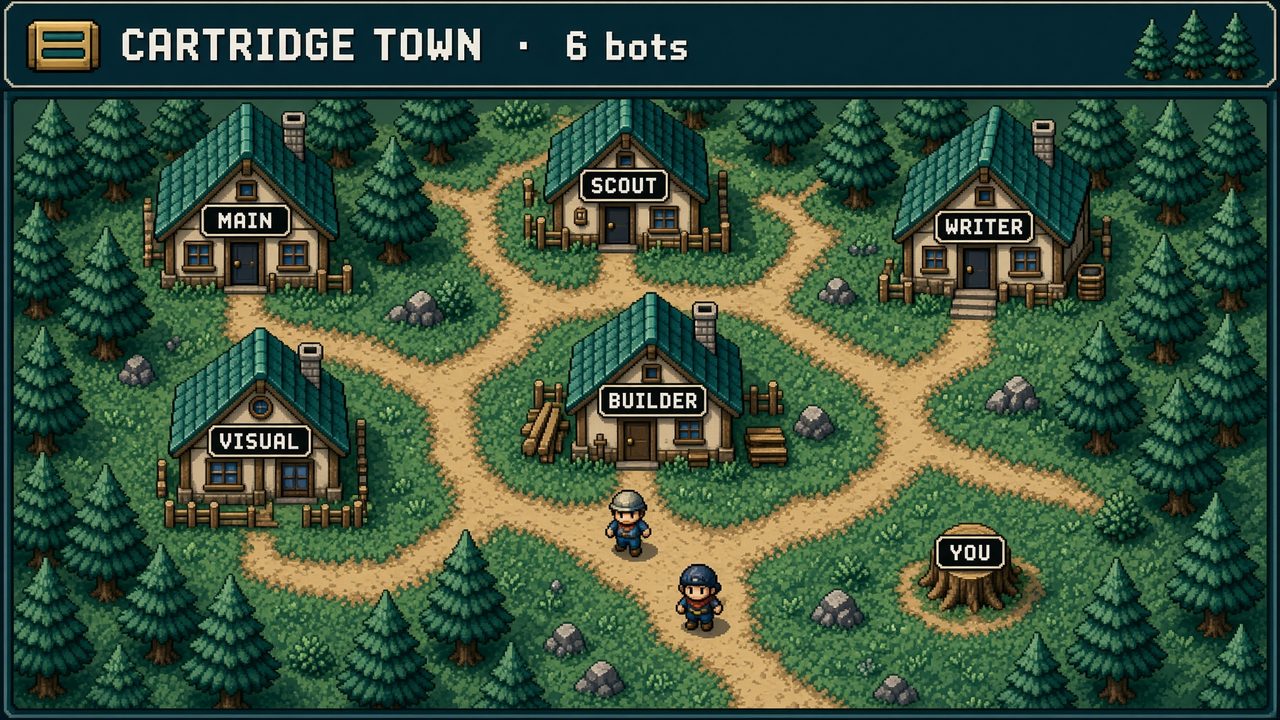
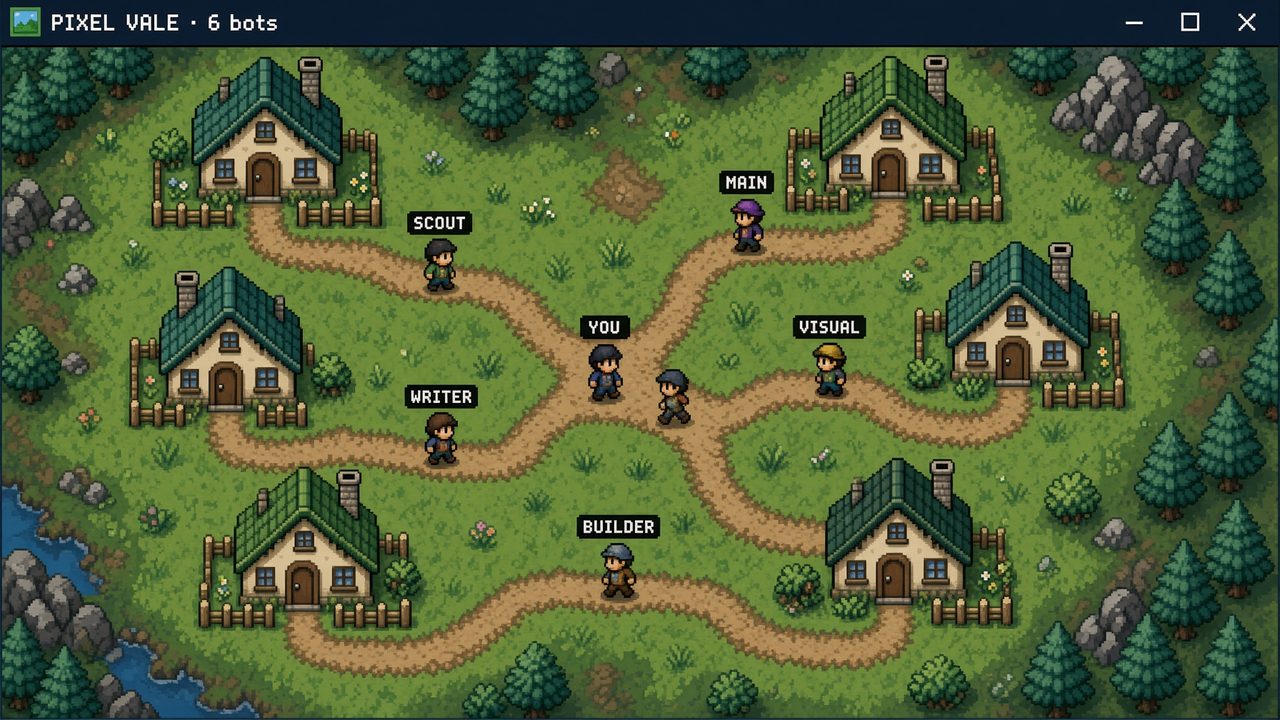
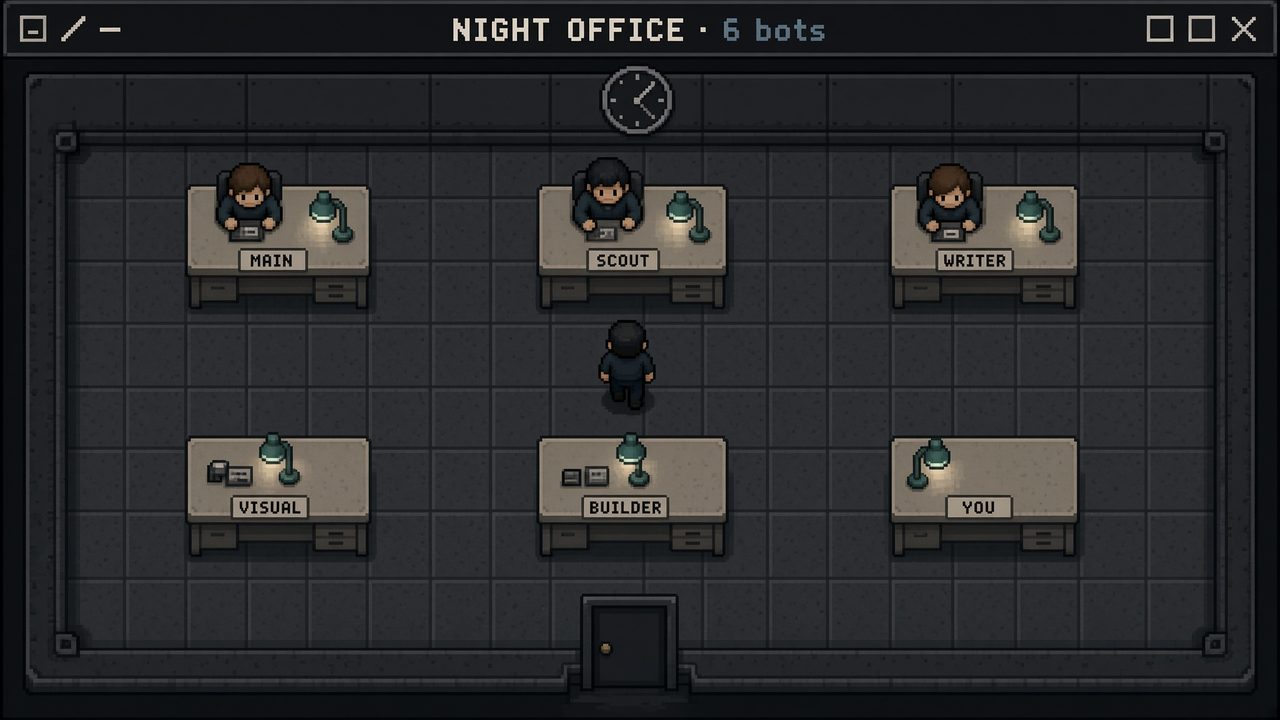
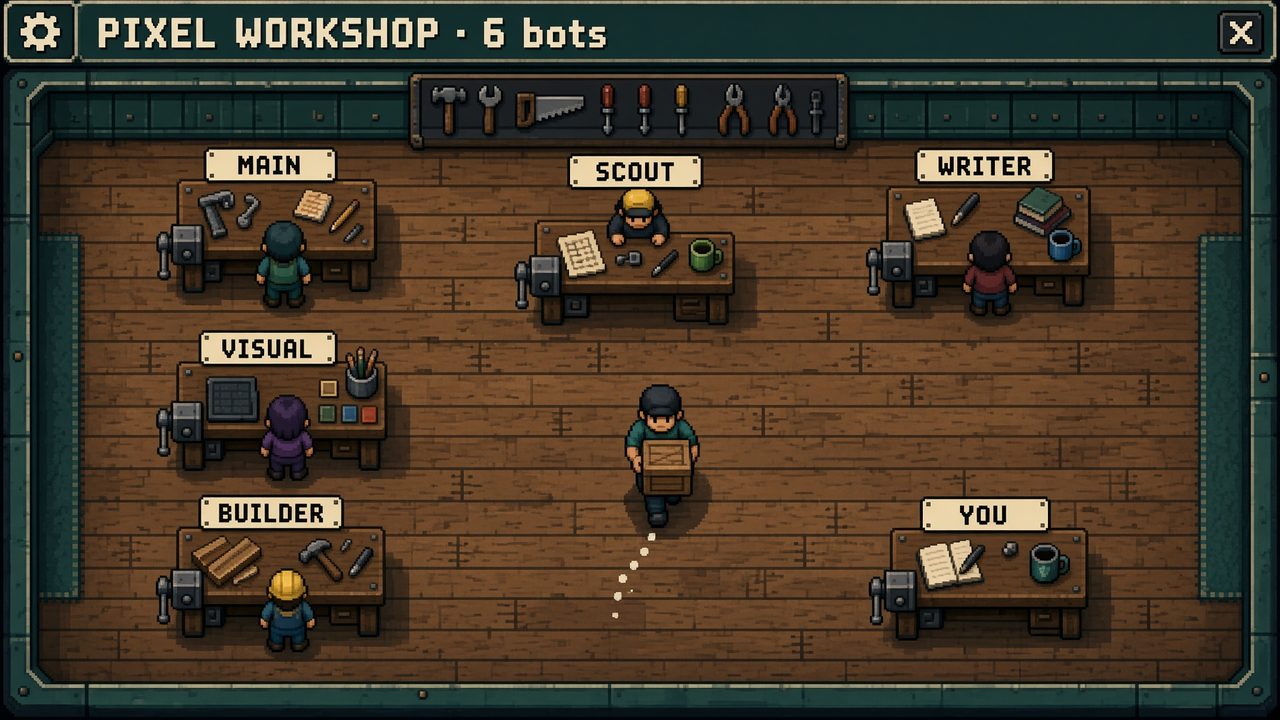
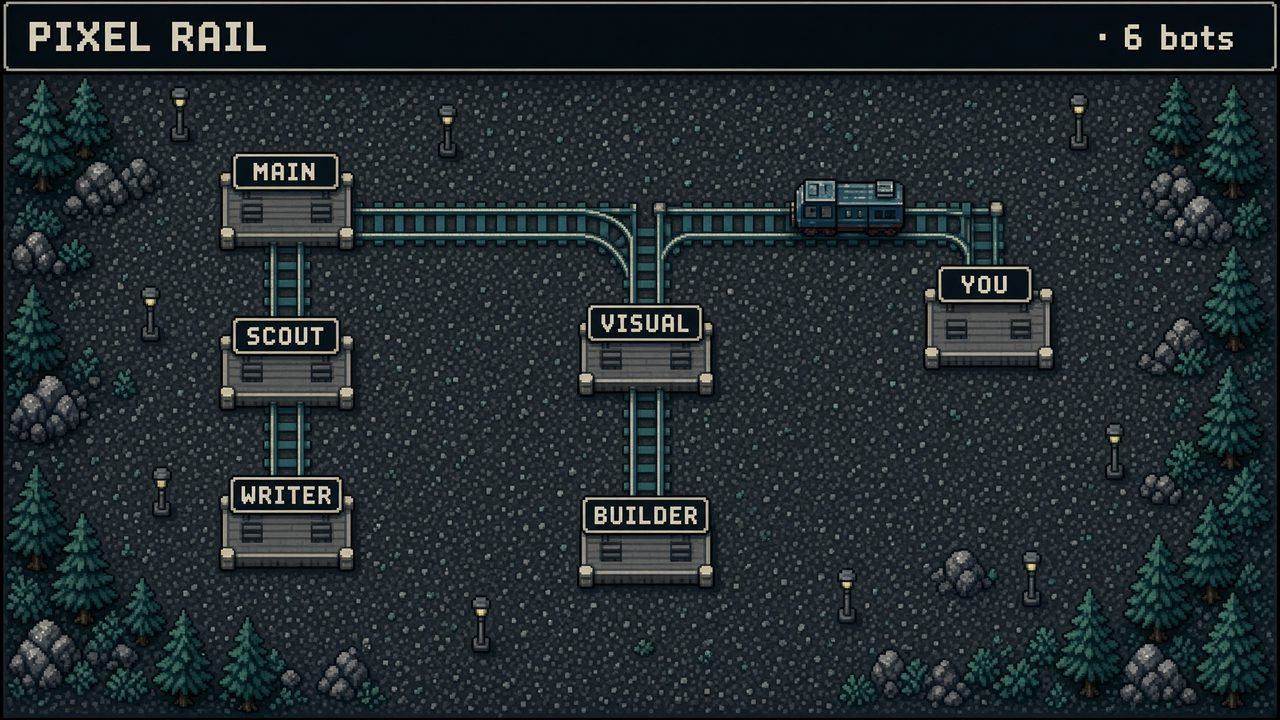
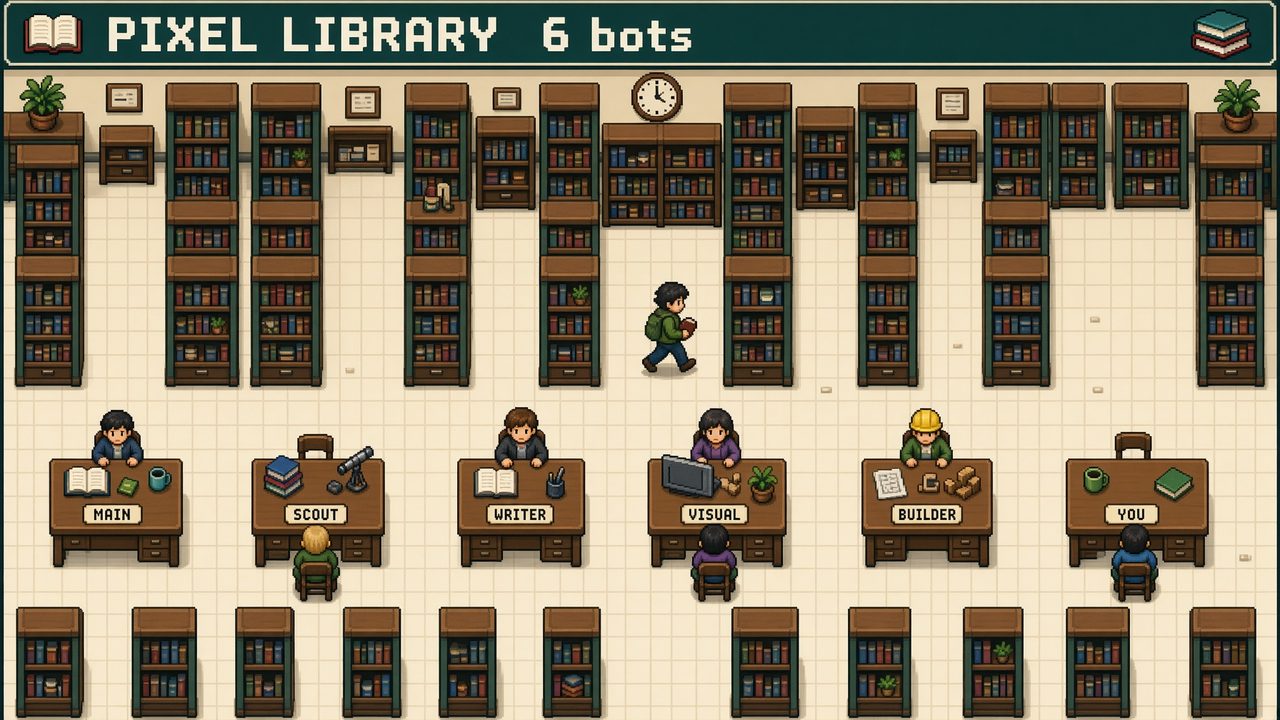
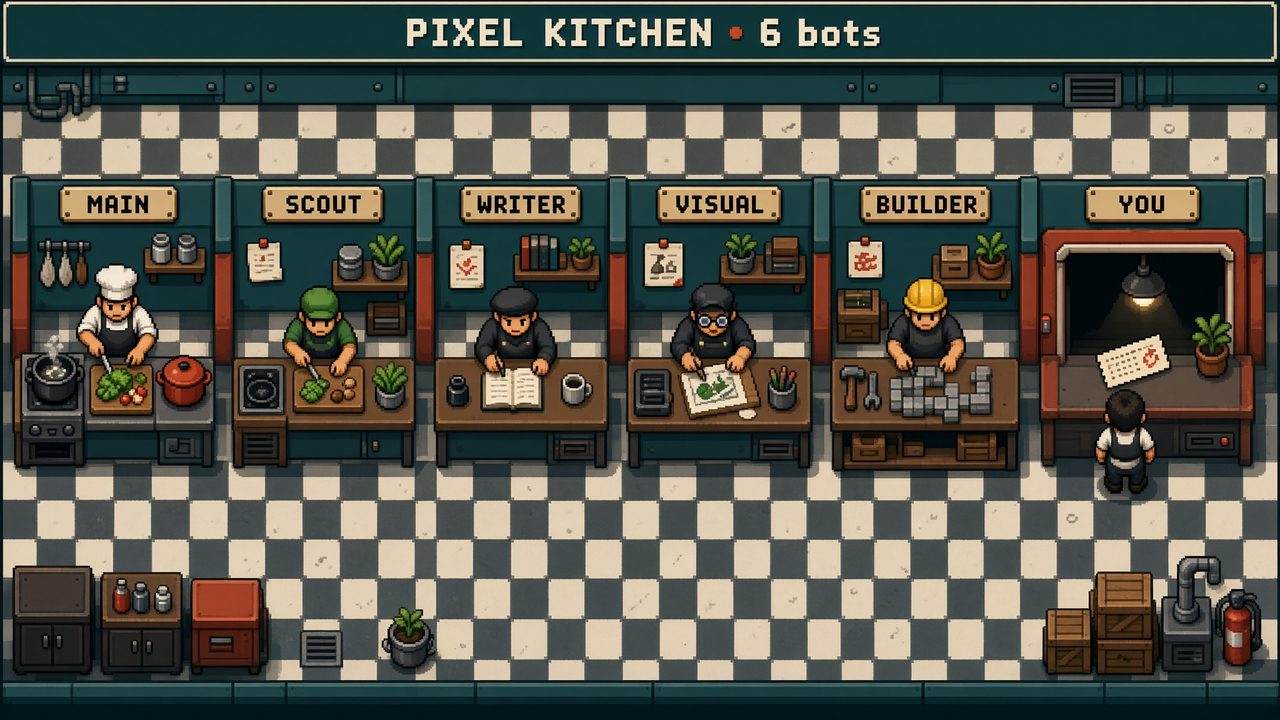
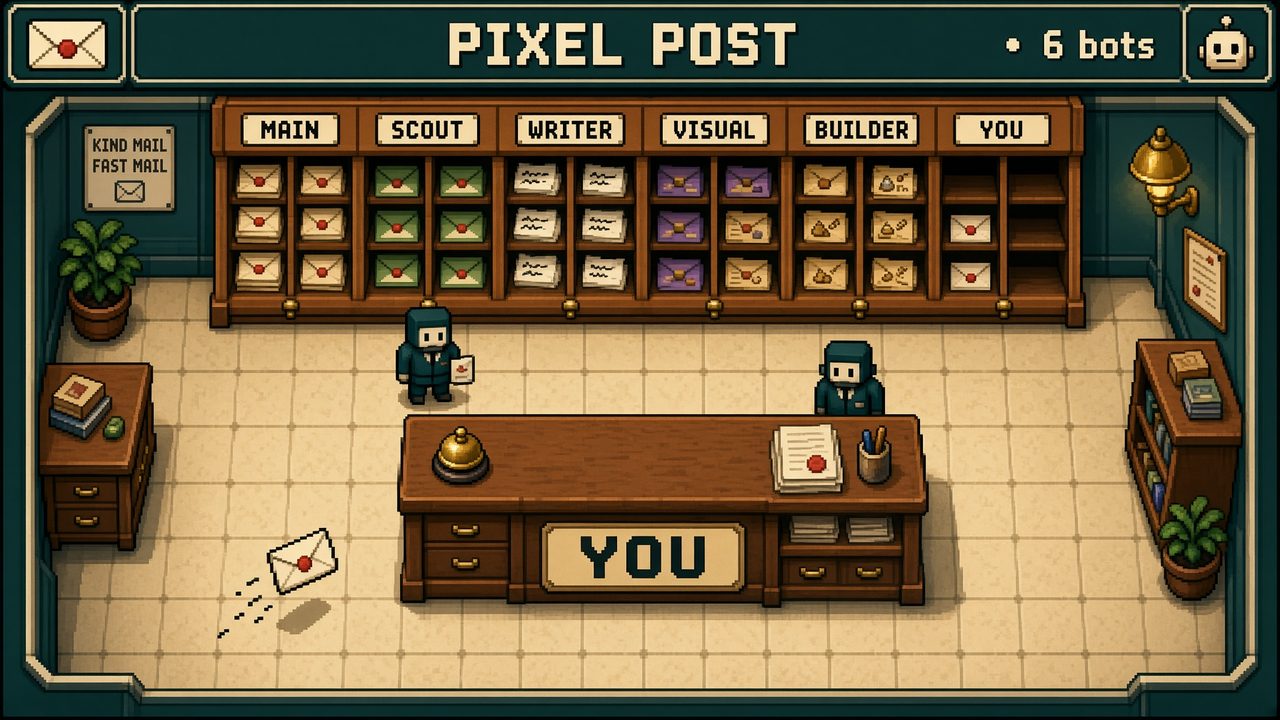
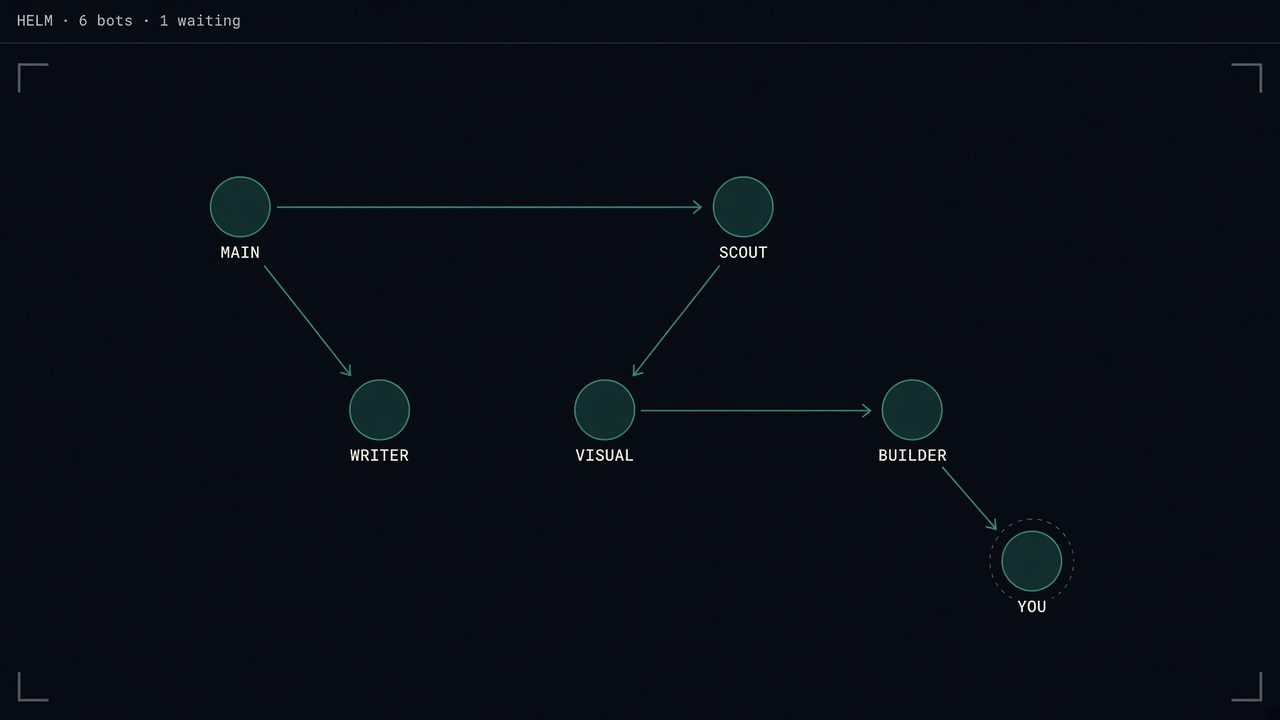
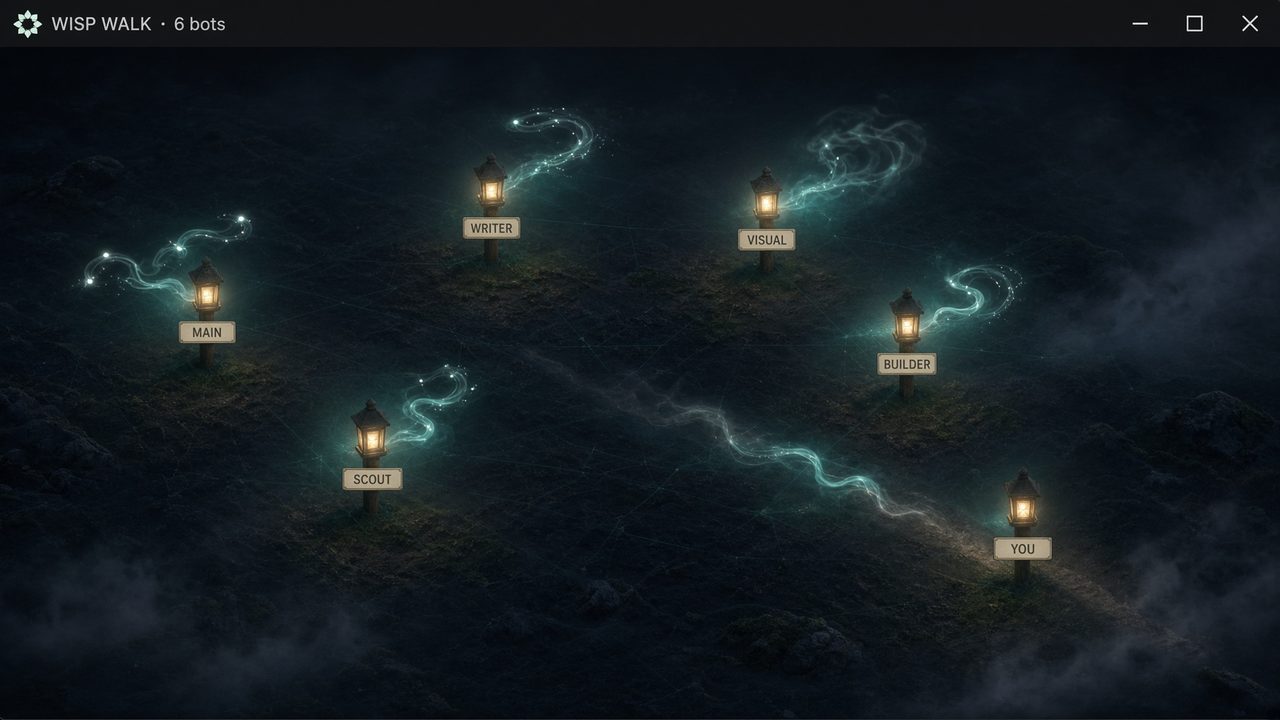
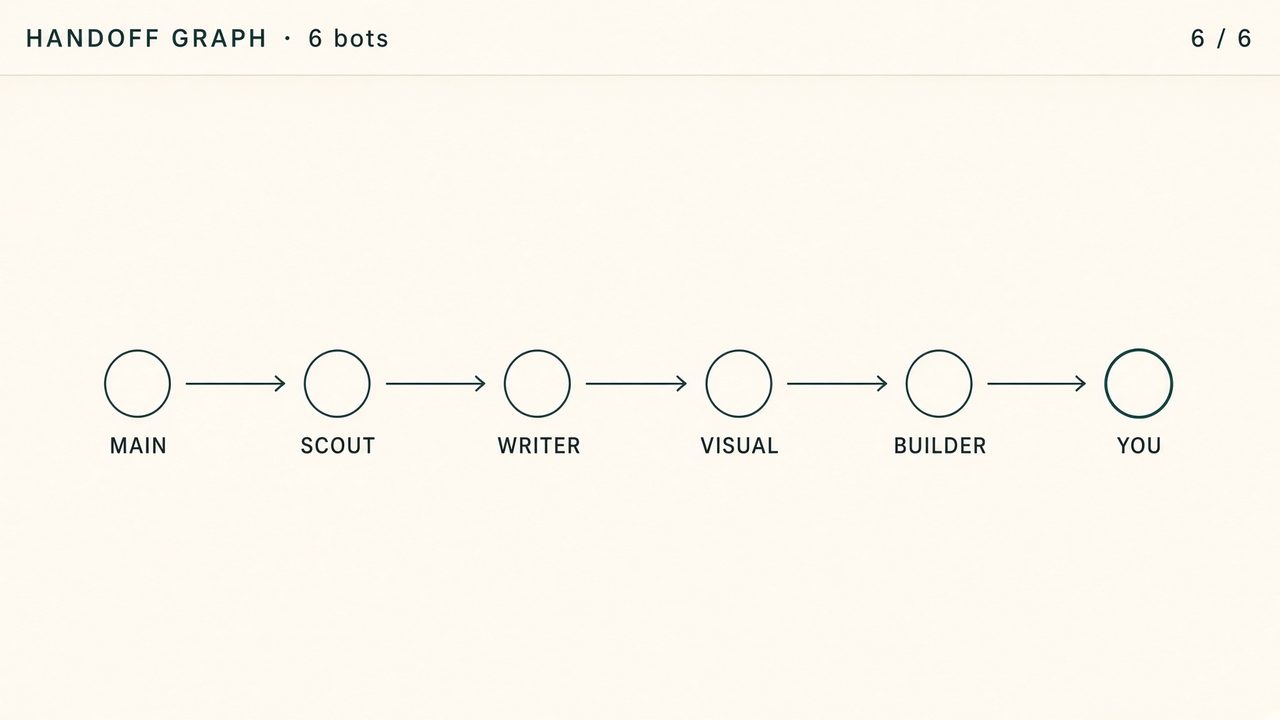
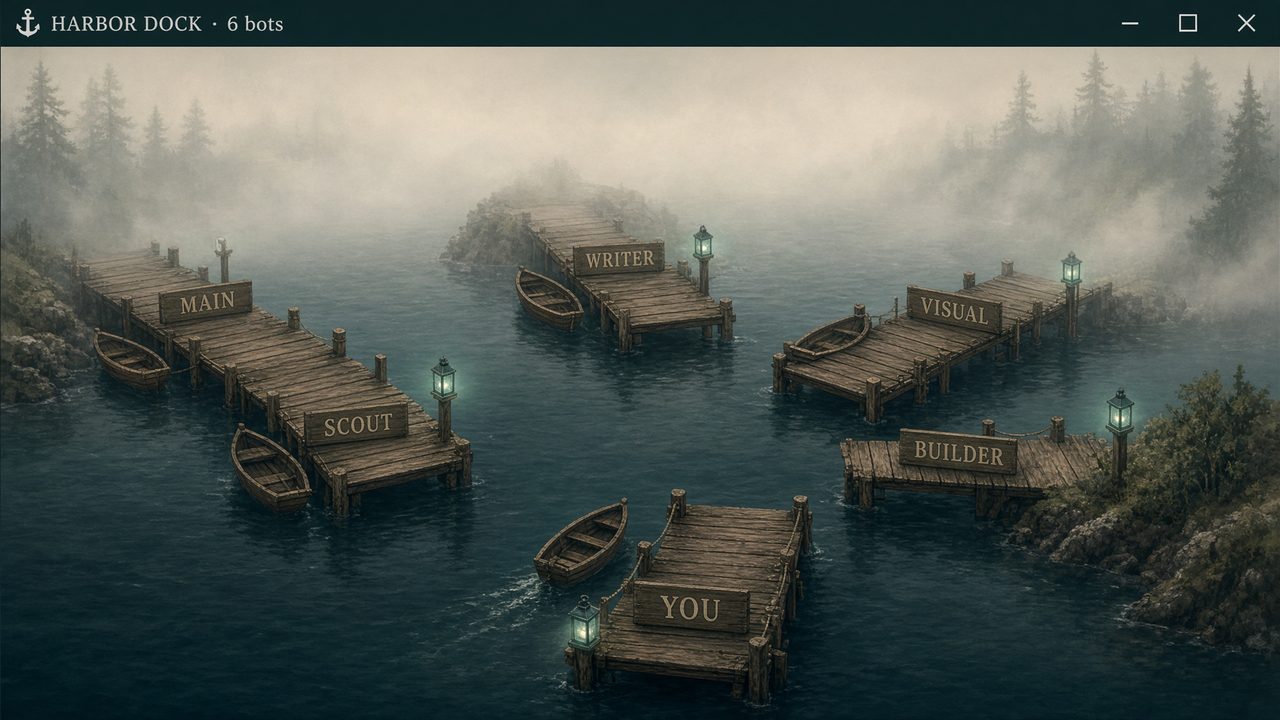
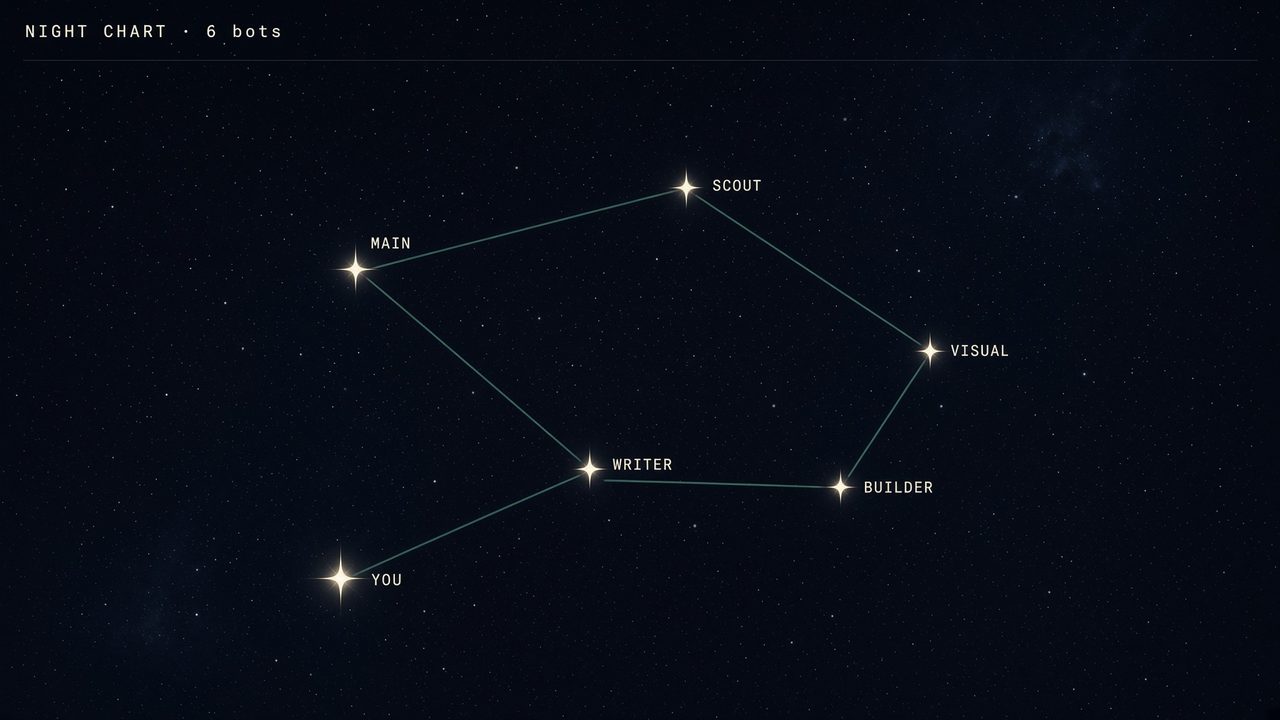
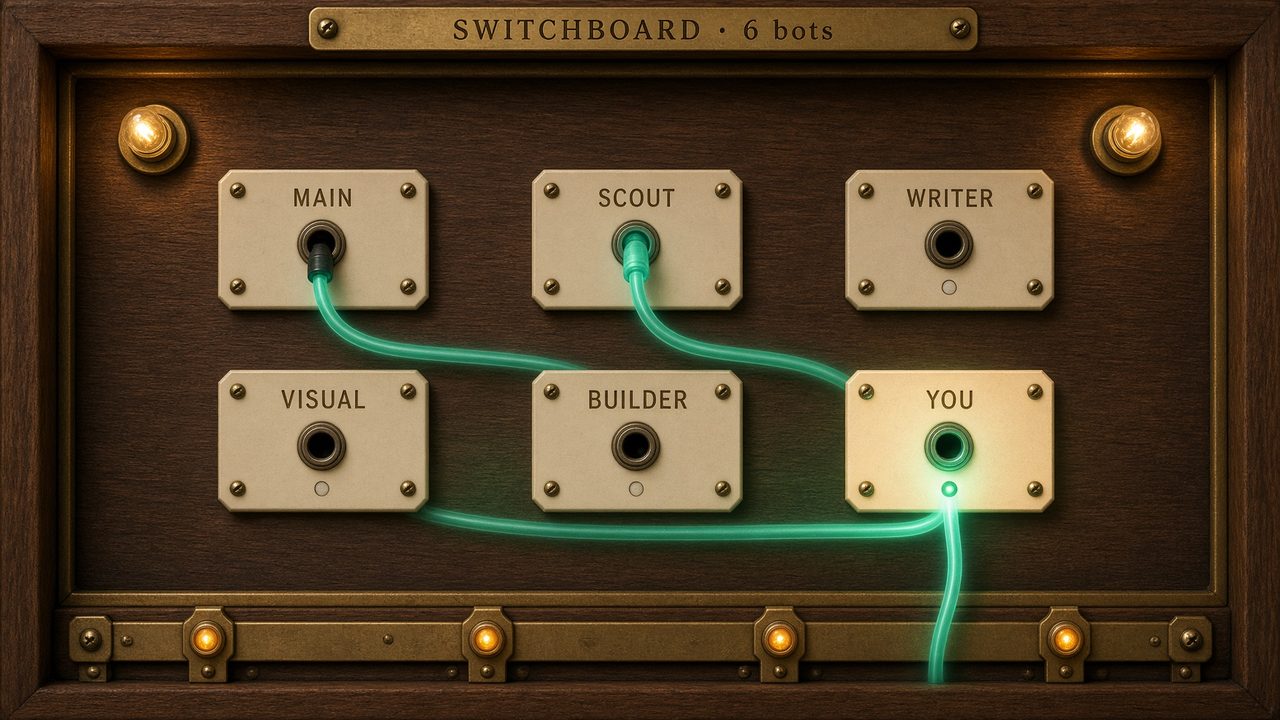
A visualization is a map of the team, drawn by the main bot from the roster it already has. Each bot is a node — a villager, a desk, a lantern, a pier. Status comes from BOARD.md only: drafting, waiting for you, handed to someone, or idle. Quiet bots stay on the map. Fake tickers stay off it.
It is not a skin for Grok’s replies. It is a page the bot writes on the computer you already run: who is working, who handed work, who is waiting on you.
One look at a time. Stop for a yes before a public host or a second visualization.